Set-up, change or reset your password
The recover site allows you to change your password, or recover a forgotten password.
Set-up your password
-
Navigate to the recover site.
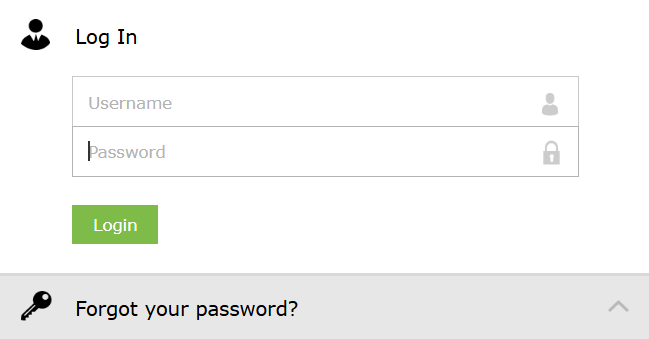
-
Input your username (eg
jdoe, not your email address) and existing password. -
Confirm your old (temporary) password and enter a new password meeting following requirements:
- Minimum 12 characters
- Not a palindrome
- Does not follow any restricted patterns.
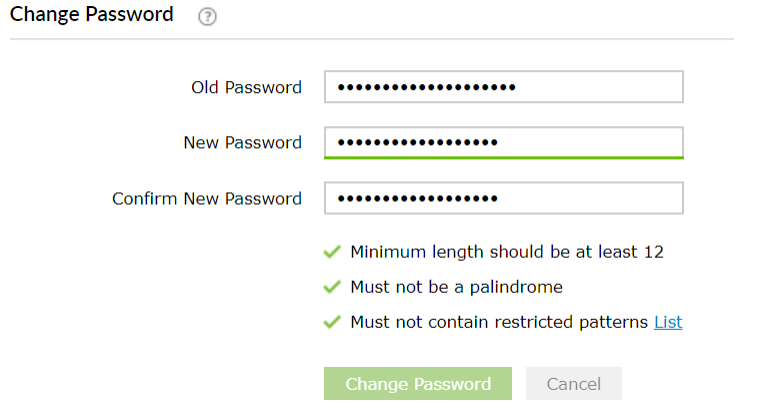
If successful you will receive this confirmation message below and via email.
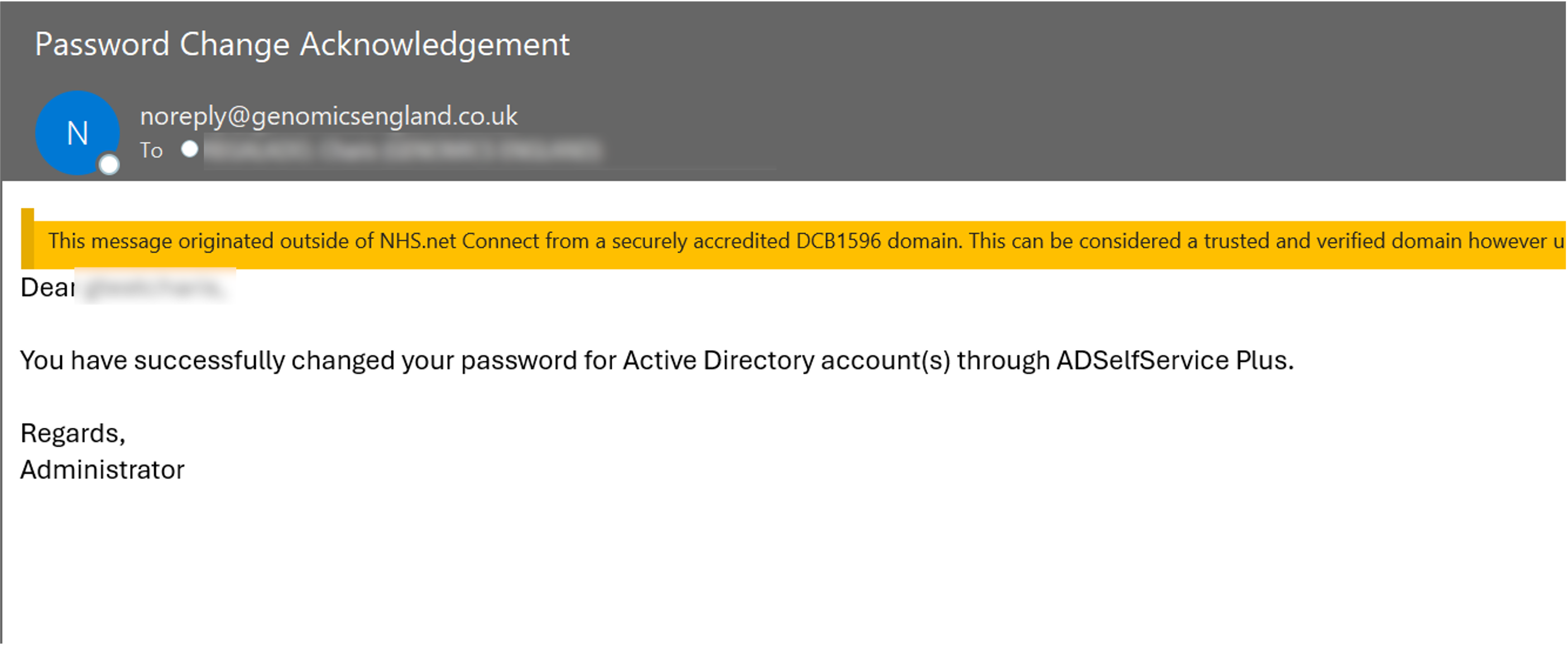
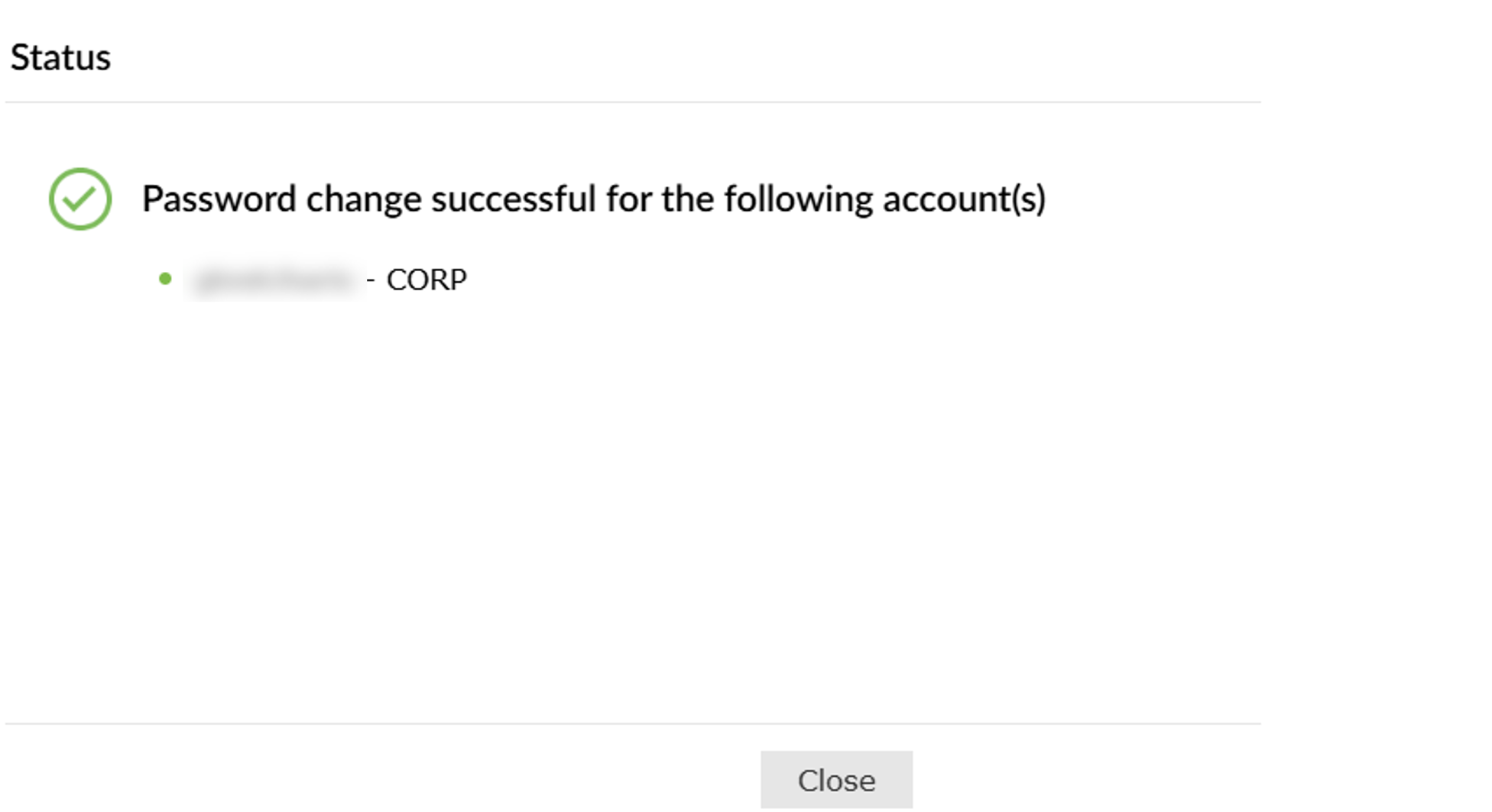
-
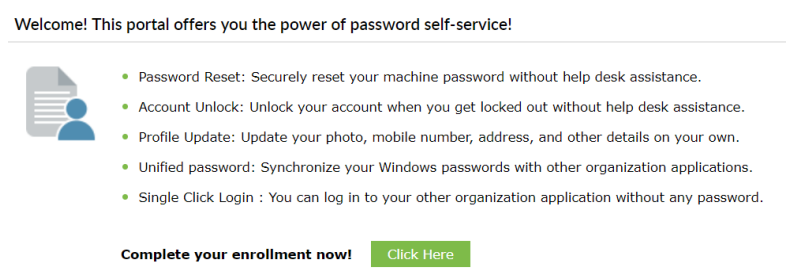
You will now see a screen to enrol your account, in the event of a forgotten password.
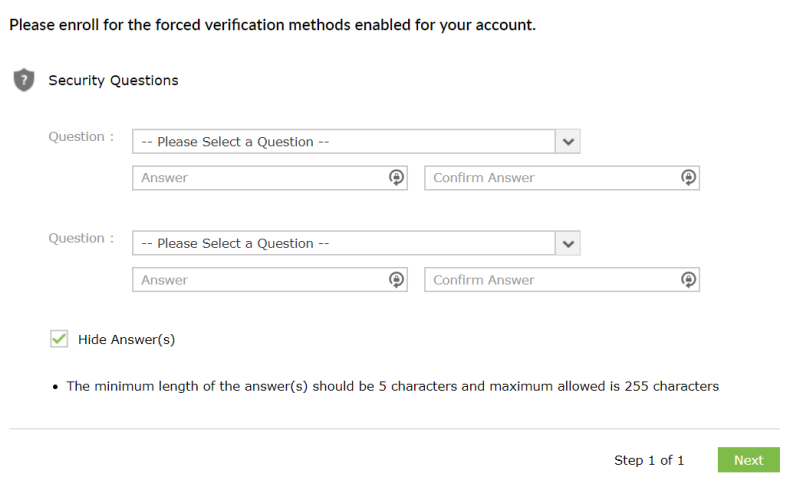
You now need to fill out the memorable info section. It is important you do this in case you log yourself out of your account, as well as being required for future account verification. It is an extra layer of security that only you should know.
-
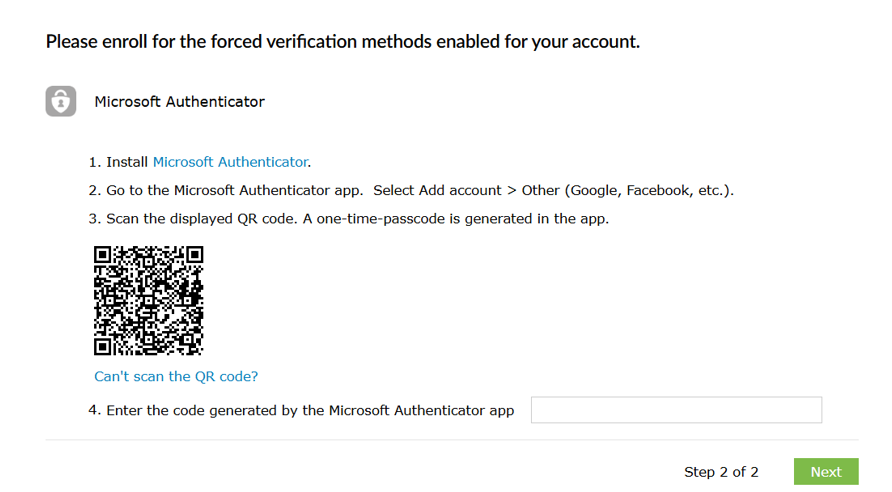
Set up your Multifactor Authentication (MFA) for Recovery Portal.
You will have to set up another MFA via Okta if you will be accessing Research Environment or Research Portal.
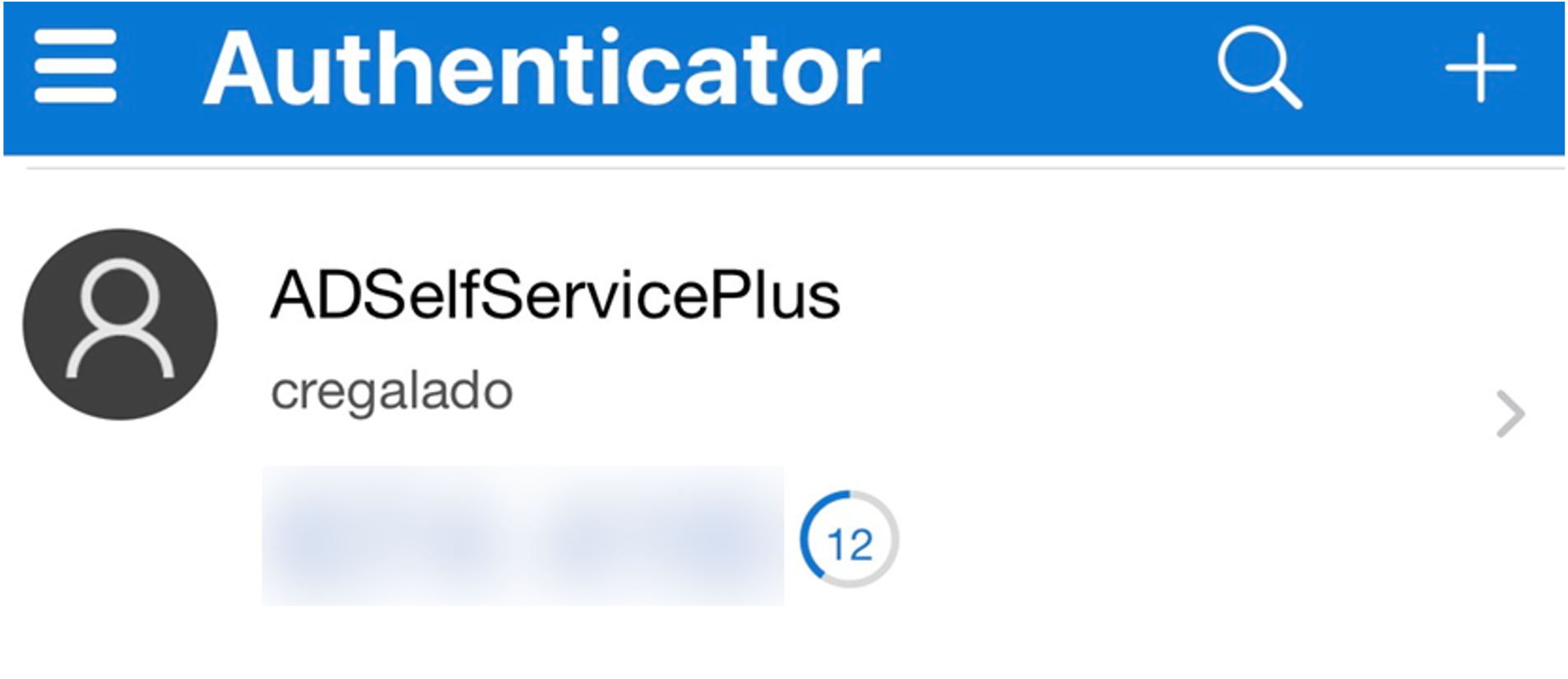
If you have done this already. Open your Authenticator app and it will show as ADSelfservicePlus account.
-
You are now fully registered. Please wait approximately 10 minutes for the changes to synchronise across Genomics England systems.
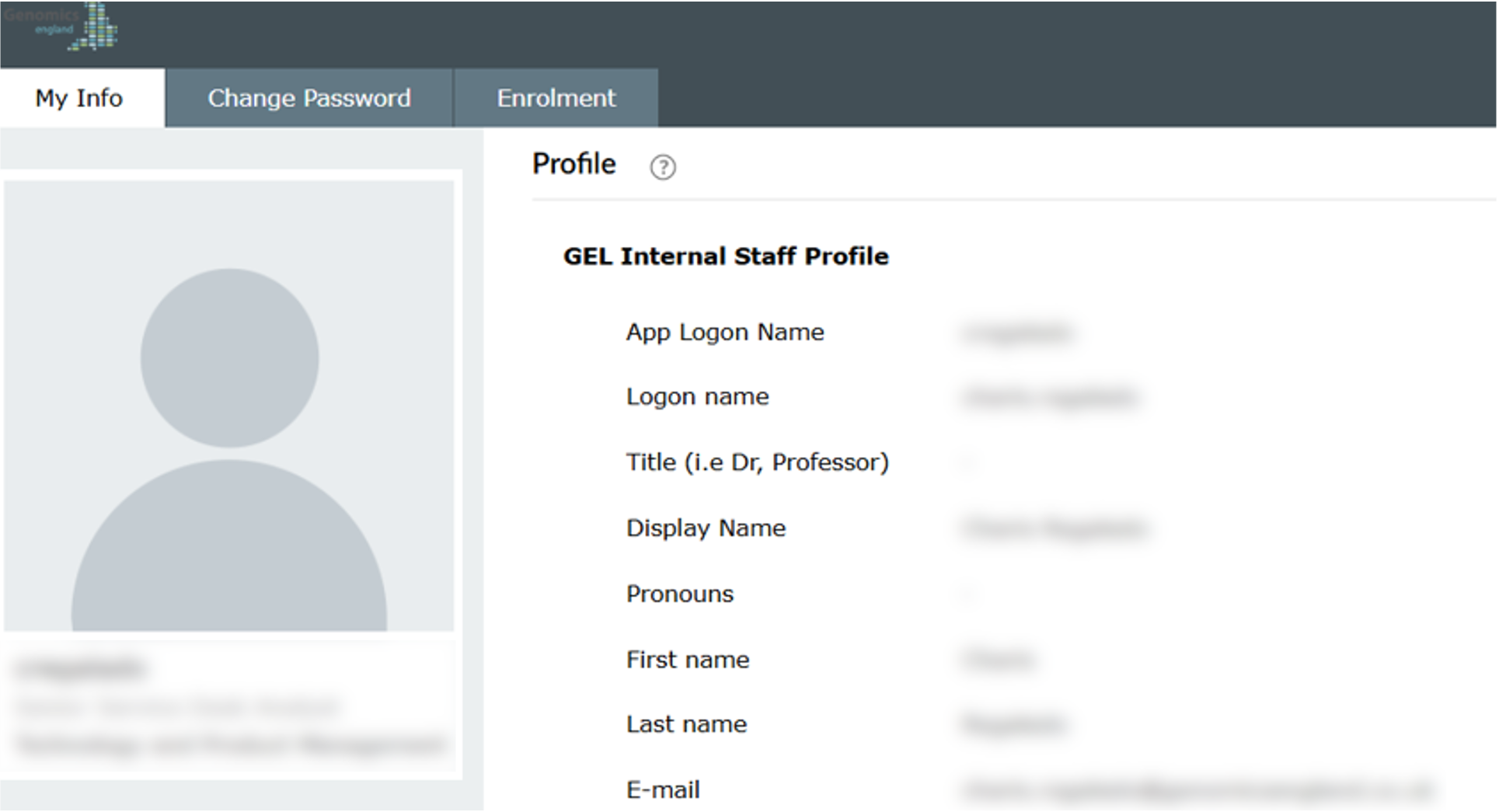
Change your password
-
Navigate to the recover site.
-
Input your username (eg
jdoe, not your email address) and existing password. -
Enter the MFA code from your Microsoft Authenticator App, enter the Captcha and click Continue.
-
Choose a new password, then reenter it. Enter the Captcha and click Reset Password.
Forgotten Password
-
Navigate to the recover site.
-
Click Forgot your password?
-
Input your username (eg
jdoe, not your email address) and the Captcha.- If you see an error message, send in the ticket to Service Desk to reset your password
-
Answer your security questions and enter the Captcha.
-
Enter the MFA code from your Microsoft Authenticator App, enter the Captcha and click Continue.
-
Choose a new password, then reenter it. Enter the Captcha and click Reset Password.